
Getting your Price ID and Buy Link
Getting Our Price ID and Buy Link
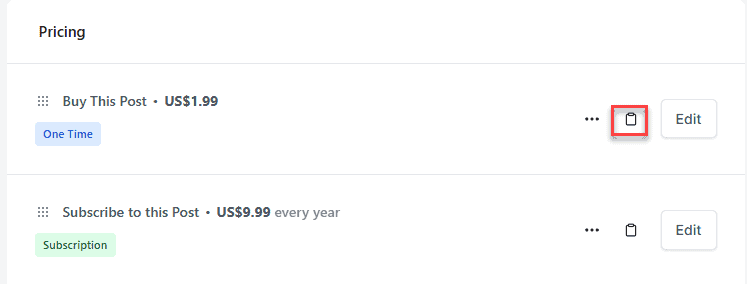
Firstly, we need to open our SureCart product, and then we need to navigate to Pricing and click the applicable clipboard icon shown in the image below.
This will then bring up the following screen. You are going to need the buy link and the Price ID to fill in our form meta.
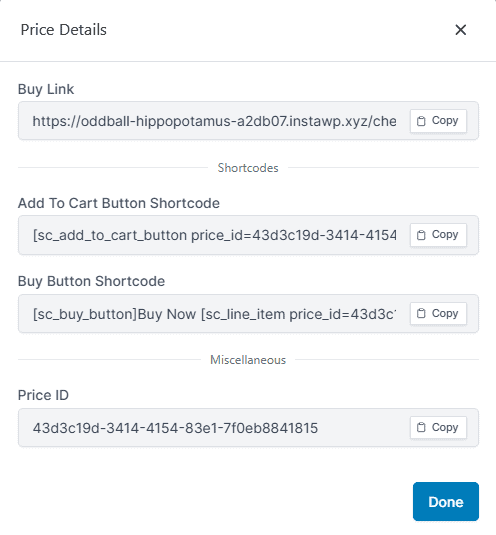
Copy these to your clipboard one at a time and paste in a notepad or swap tabs to fill out your post details