License Activation
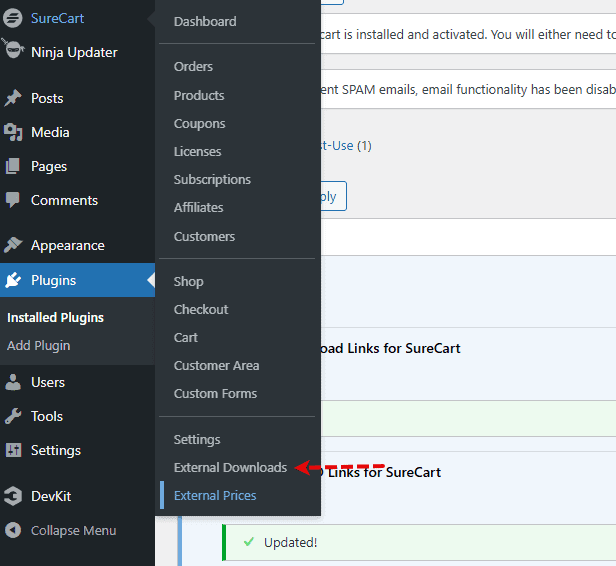
Your licence needs to be activated. It will be located at the top of the external links page, which is located within your Surecart Menu
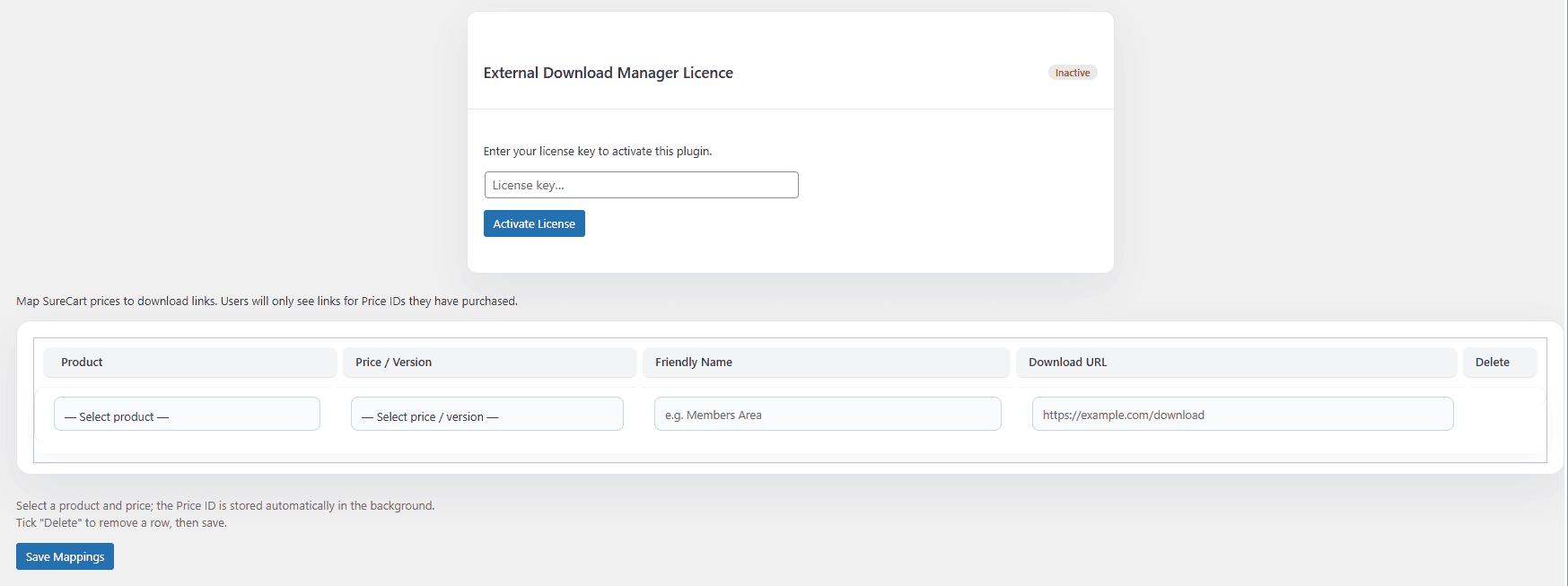
Once you have clicked on this, you will be presented with the following screen, and you need to add your license key and push activate
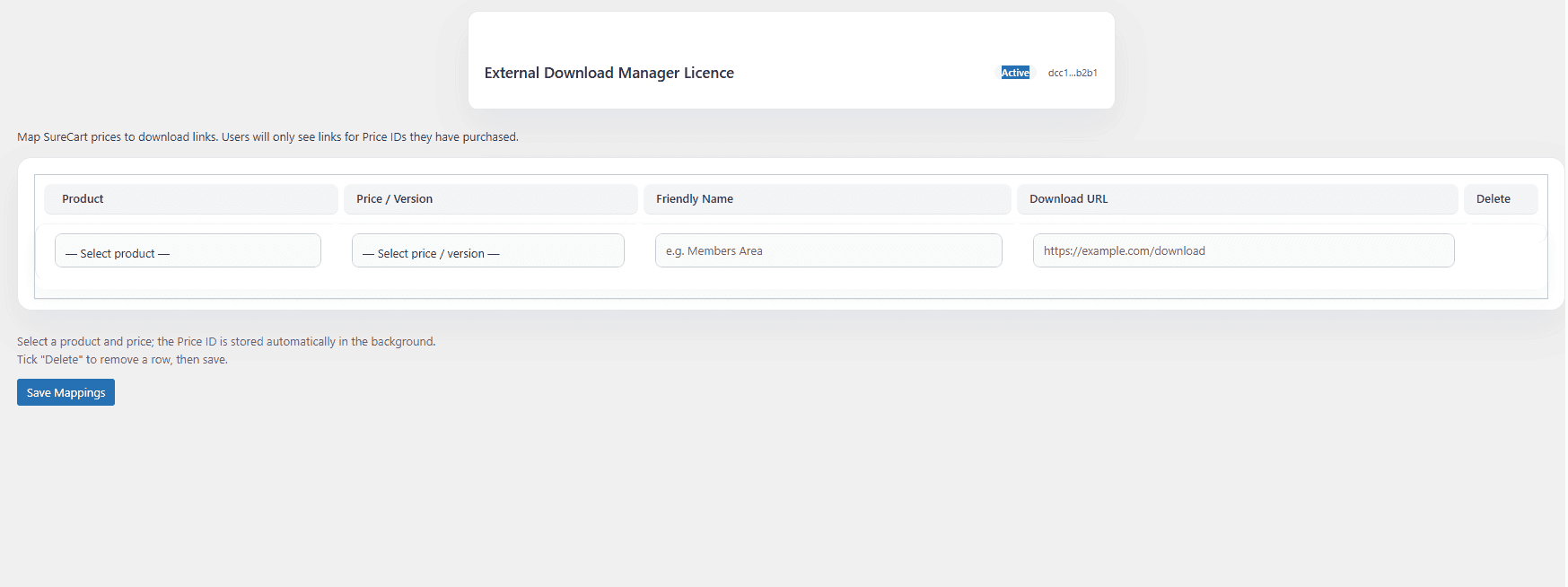
Once you have activated your licence key, which is needed for features, updates and support, it will self-collapse to not be so intrusive. You can reactivate it to deactivate, etc, as you need by clicking the top bar in the activated state